AviaMasters 2 Slot Game

AviaMasters 2

BGaming
%
97%
RTP
High
Volatility
x
x1000+
Max Win
$ Real Money
Boosters Multipliers Safe Landing

Free Demo Version

The demo runs on virtual FUN currency—no card details, no deposits, genuinely free. You're playing game version 1.0.0 with the exact same certified random number generator as the real money mode. Same metrics, same boosters (Magnet, Nitro, Lifebuoy, Laser Gun), same rocket mechanics—nothing's rigged or simplified.

You get full access: test all four speed settings, try the Safe Landing bonus purchase, experiment with Autoplay conditions. The game rule version 1.0 from February 2026 applies to both demo and real play identically. No time limits on the demo session, no artificial spin caps.

Useful for working out when to cash out before the plane hits water, or how the multipliers stack when you're dodging rockets at lightning speed. Click Demo, it loads immediately—no forms, no queues.
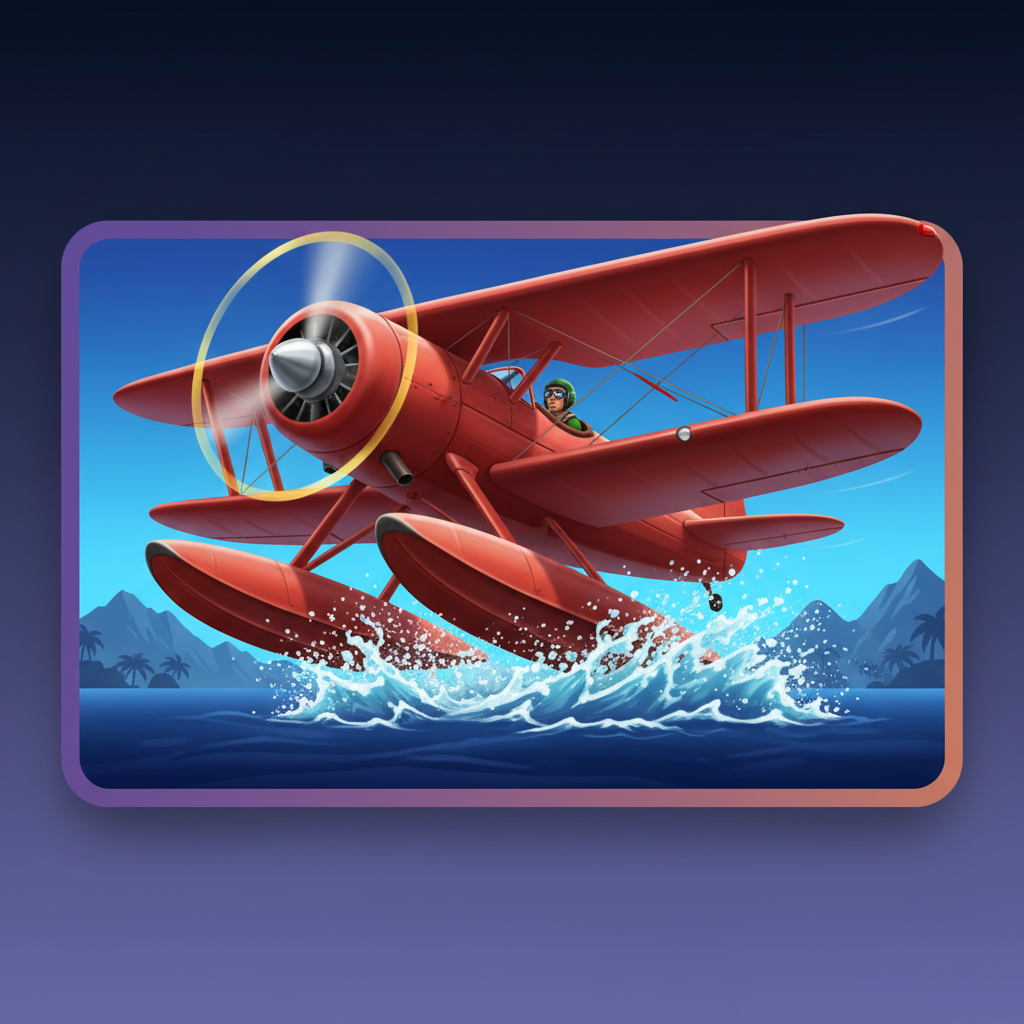
Most crash games ask you to do one thing: watch a number climb and decide when to bail. AviaMasters 2 puts you at the controls instead, dodging rockets that slash your multiplier in half while you're hunting collectibles through the sky. BGaming's sequel to last year's Aviamasters doubles down on the arcade side—you've got four boosters with proper effects (nitro bursts, laser guns, magnets, a second-life lifebuoy) and a buyable Safe Landing feature that straps pontoons to your biplane for water touchdowns. It's crash-game DNA crossed with side-scrolling shooter reflexes, running at a frankly generous 97% RTP. The red biplane, the cartoon pilot in the green helmet, the rockets that actually require dodging rather than just hoping—it all pushes the format somewhere more hands-on than most crypto-style crash games bother with.

How To Play

Getting Started

When you first launch AviaMasters 2, you'll see a brief three-slide tutorial explaining the basic concept. Navigate through it using the orange arrows at the screen edges, then hit START to reach the main game.

Basic Controls

Your bet sits at the bottom-right corner showing "TOTAL BET" with small up/down arrows beside it. Click these arrows to open a dropdown list with preset amounts ranging from 5.00 to 12,500.00 FUN. Scroll through to pick your stake—there are sixteen options covering everything from cautious to bold.

Once you're happy with your bet, press the large circular button on the right side of the screen (it's got a white play triangle inside a silver ring). The plane takes off, and you're away.

Speed Control

Here's where AviaMasters 2 does something clever: you've got four speed settings instead of the usual on/off turbo. Look for the row of icons in the status bar—tortoise, walking person, hare, and lightning bolt. Click any of them to adjust how fast your plane flies. Slower speeds give you more time to watch what's happening; faster speeds get through rounds quickly. It's genuinely useful if you're trying to follow the action or just want to crack on.

Autoplay Setup

The small circular button with an "A+" symbol (right of the bonus activation area) opens the autoplay panel. You can choose preset round counts—10, 25, 50, 100, and up to infinity if you're feeling committed—or type a custom number. More importantly, you can set stop conditions: halt on any win, if a single win exceeds a certain amount, or if your balance changes by a specified sum. Toggle each condition on or off, then enter your threshold values.

Safe Landing Bonus

During gameplay, you'll see "ACTIVATE BONUS" in the status bar. This isn't a setting you toggle—it's a purchase option. Click it to open a popup where you can buy the Safe Landing feature for a multiple of your bet (cost shown in large orange numbers). This gives your plane water skis so it can land safely if it hits the ocean. Adjust the bet using the +/- buttons in the popup if needed, then hit ACTIVATE to purchase.

Customisation

The hamburger menu (three lines, top-right) opens a settings panel where you can do something genuinely unusual: move the play button anywhere on screen by dragging it, adjust its size, and even change its opacity. There are also sliders for sound effects and music volume. It's overkill for most players, but if you find the button getting in your way during flight, you can sort it.

Bonuses & Symbols

AviaMasters 2 isn't a traditional slot with reels and paylines. It's a crash-style game where you fly a red biplane, collecting items mid-flight that modify your multiplier. What you land safely with is what you win.

What You Collect During Flight

Your plane starts every round at x1.0. As it flies, you'll encounter several types of collectibles scattered across the sky. Here's what each one does:

Plain Numbers

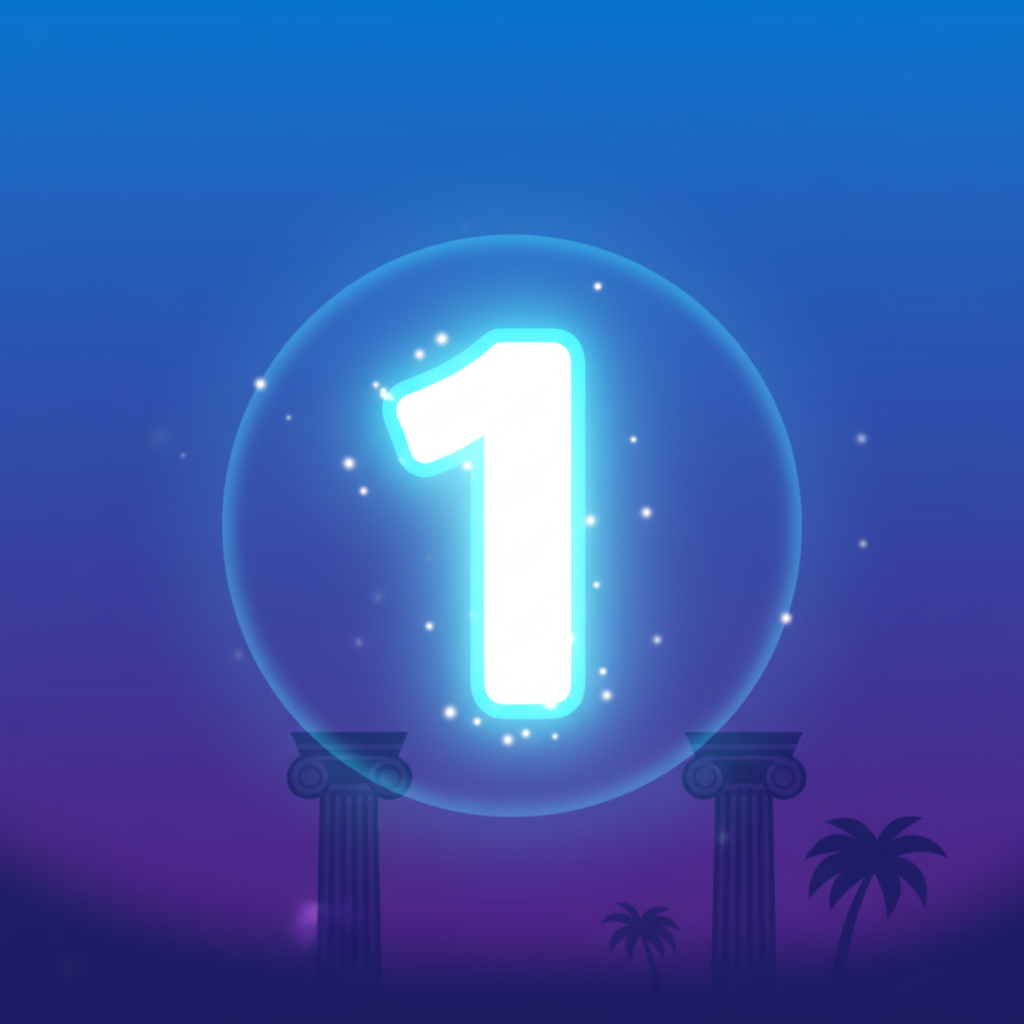
Plain number 1 collectible - glowing digit with white center fading to blue Plain number 2 collectible - glowing digit with white center fading to blue Plain number 5 collectible - glowing digit with white center fading to blue Plain number 10 collectible - glowing digit with white center fading to blue

These appear as glowing digits with a bright white centre fading to blue around the edges, each surrounded by a soft circular halo. You'll see 1, 2, 5, and 10. Crucially, these have NO "x" symbol in front. When collected, the number adds directly to your current multiplier. So if you're at x5.0 and collect a 2, you jump to x7.0.

Multipliers

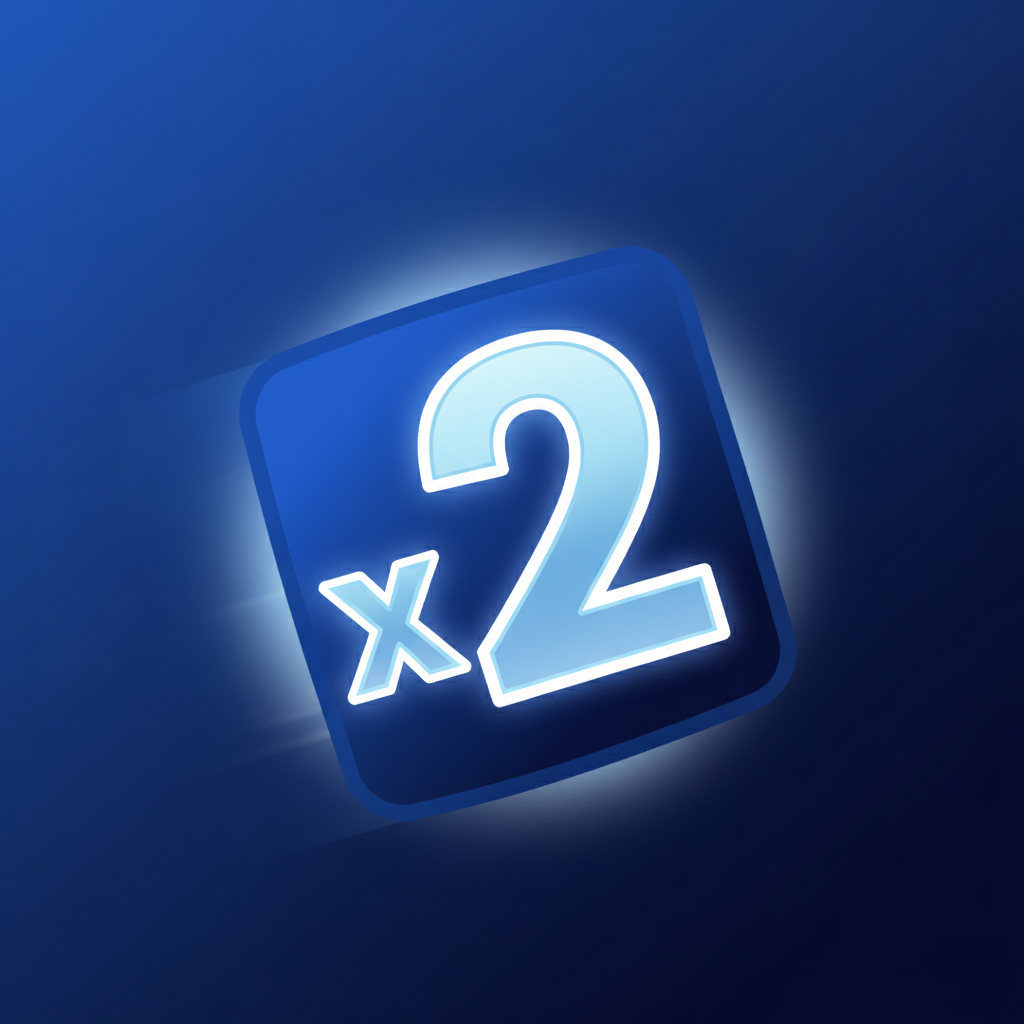
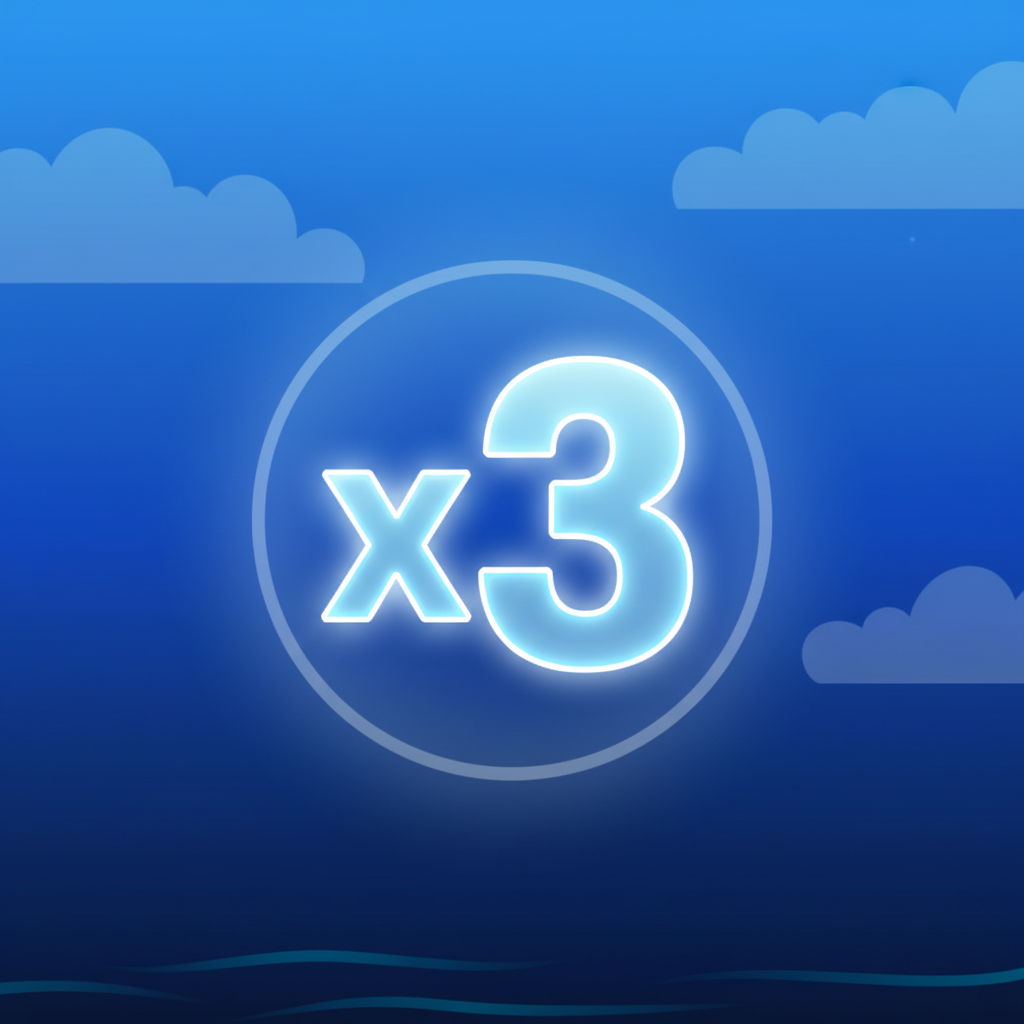
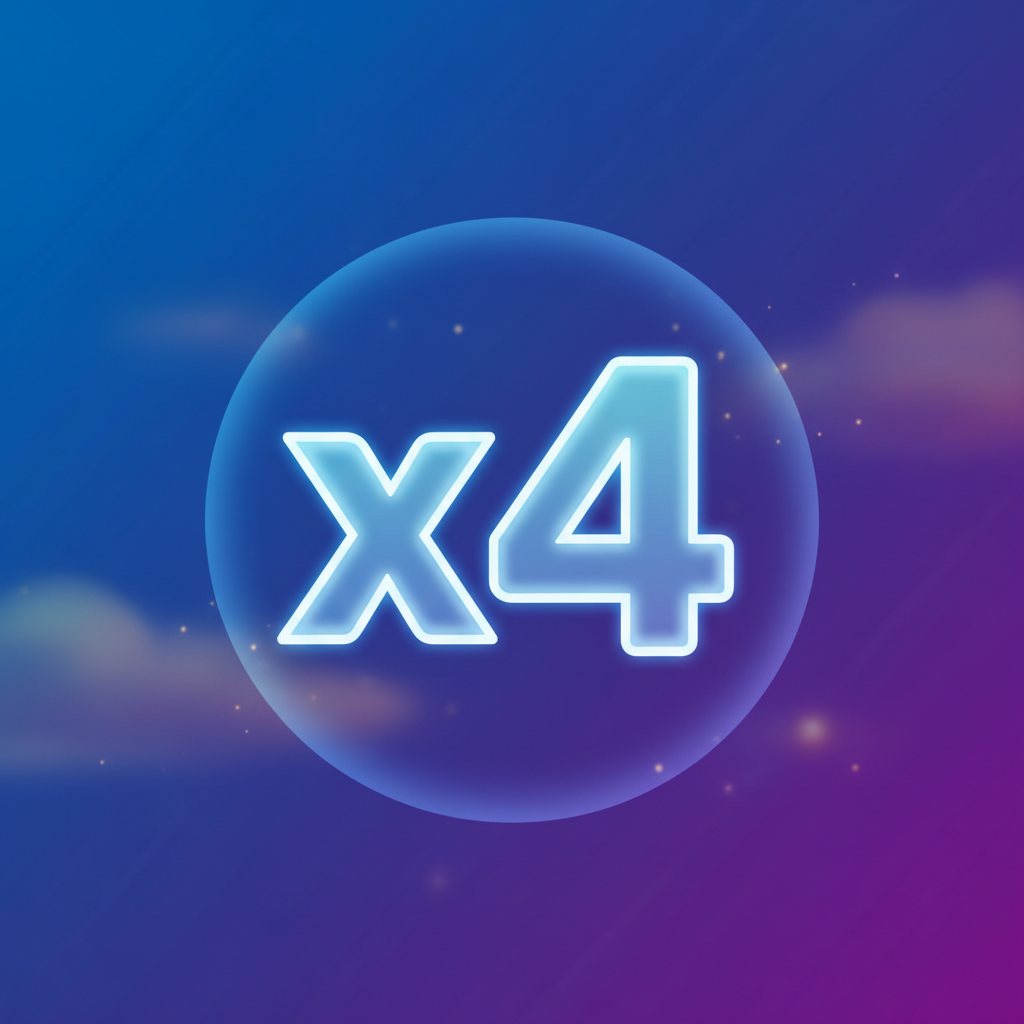
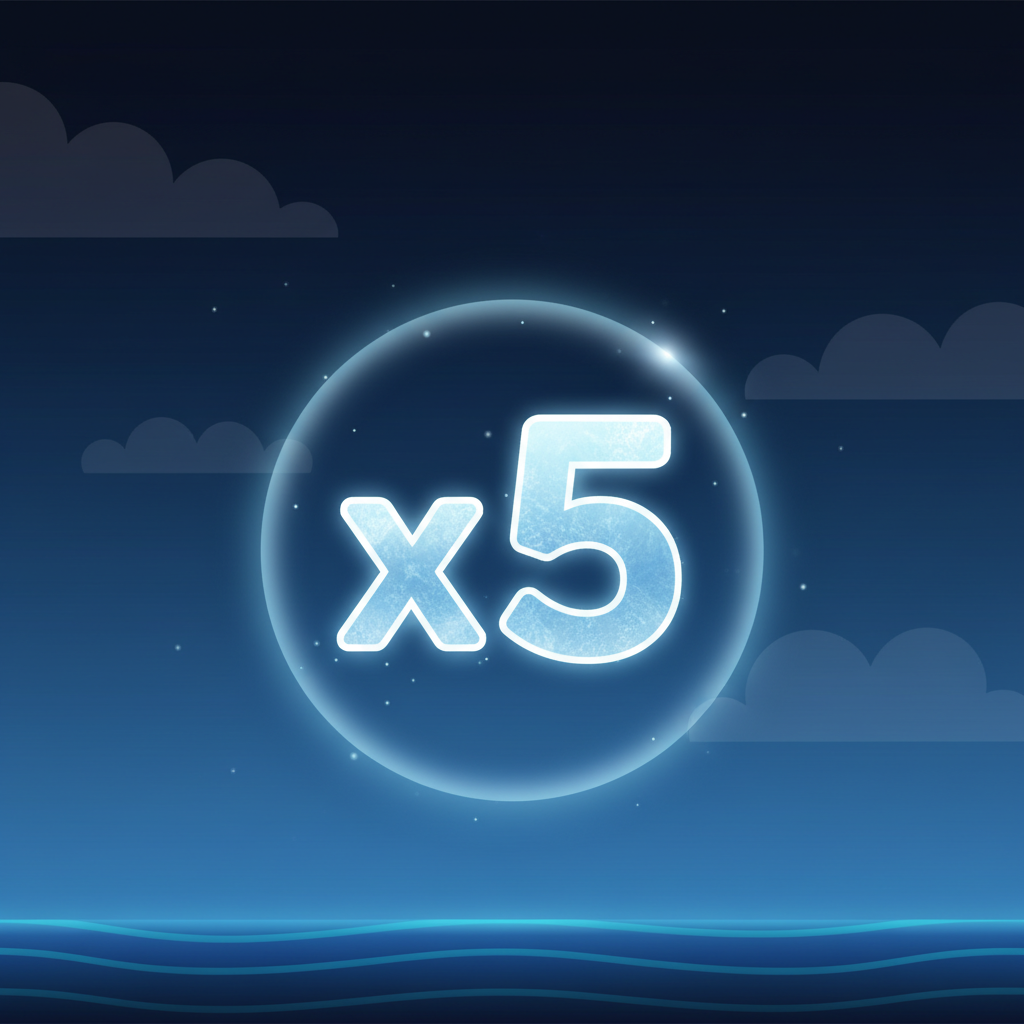
x2 multiplier collectible - glowing digit with x prefix x3 multiplier collectible - glowing digit with x prefix x4 multiplier collectible - glowing digit with x prefix x5 multiplier collectible - glowing digit with x prefix

Same glowing style as plain numbers, but these always have a small "x" before the digit. You'll encounter x2, x3, x4, and x5. These multiply your current multiplier. If you're at x10.0 and collect an x3, you leap to x30.0.

Rockets

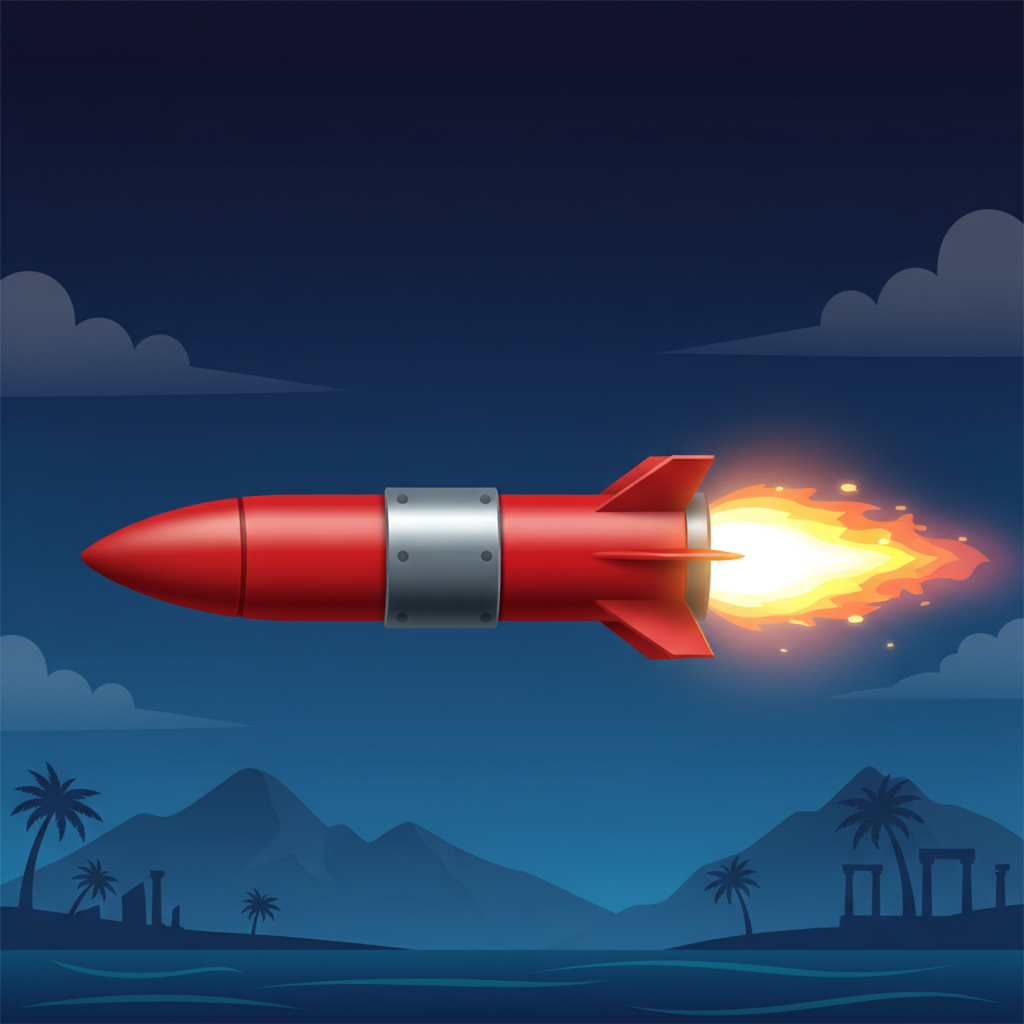
Rocket obstacle - red cylindrical missile with steel-grey band and flame trail

Bright red cylindrical missiles with a steel-grey band around the middle, pointed nose, and a yellow-white flame trail streaming from the back. These fly horizontally across the screen. Hit one and your current multiplier gets cut in half. At x40.0, a rocket drops you to x20.0.

The Four Boosters

During flight, you can also pick up power-ups. Each appears as a small icon:

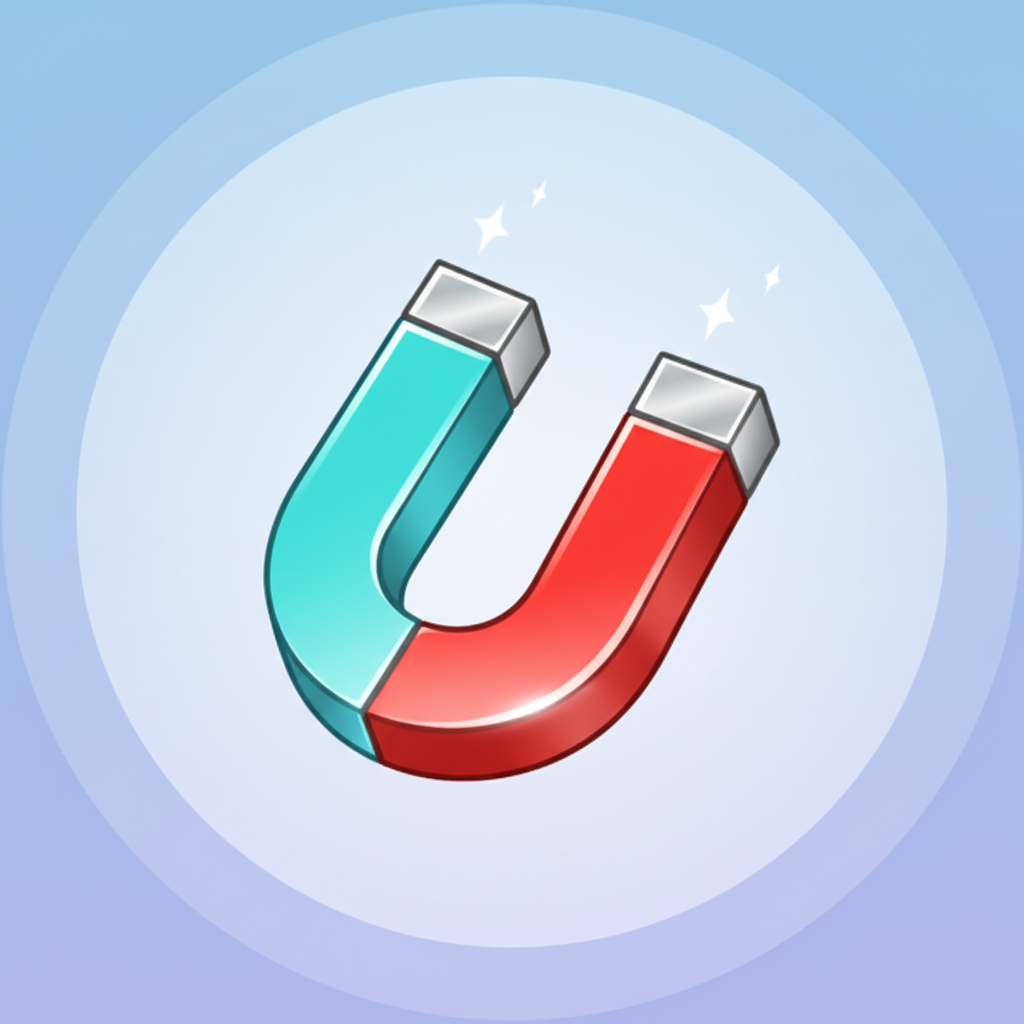
Magnet booster - horseshoe shape with turquoise and red arms

Magnet

Classic horseshoe shape, opening facing downward. The left arm is light turquoise blue, the right arm bright red, with a silvery grey metallic bridge connecting them. Small white sparkles emanate from both tips. Activates automatic collection – pulls nearby collectibles toward your plane.

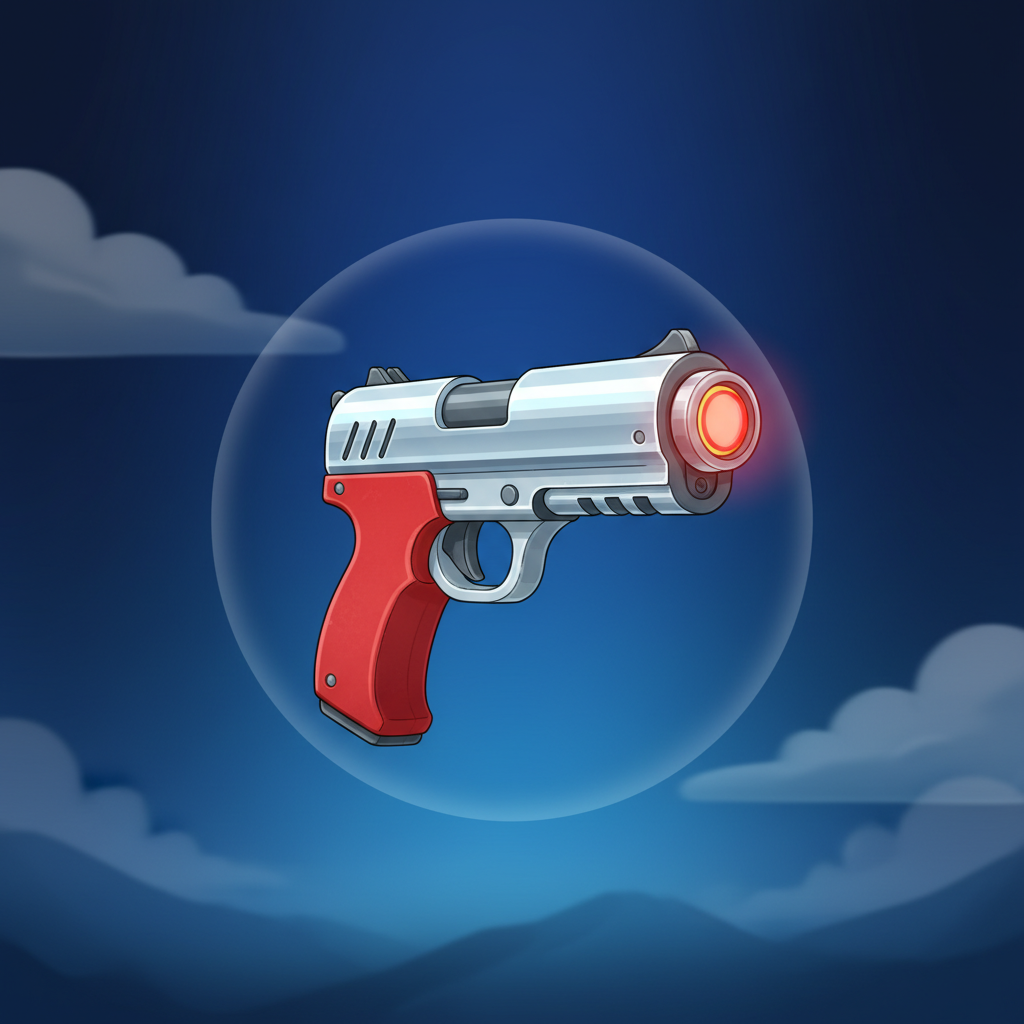
Laser Gun booster - futuristic chrome pistol with red grip

Laser Gun

Compact futuristic pistol in side view. Chrome-silver barrel pointing right, red grip below, with a glowing red dot and orange halo at the muzzle. Destroys obstacles in your path.

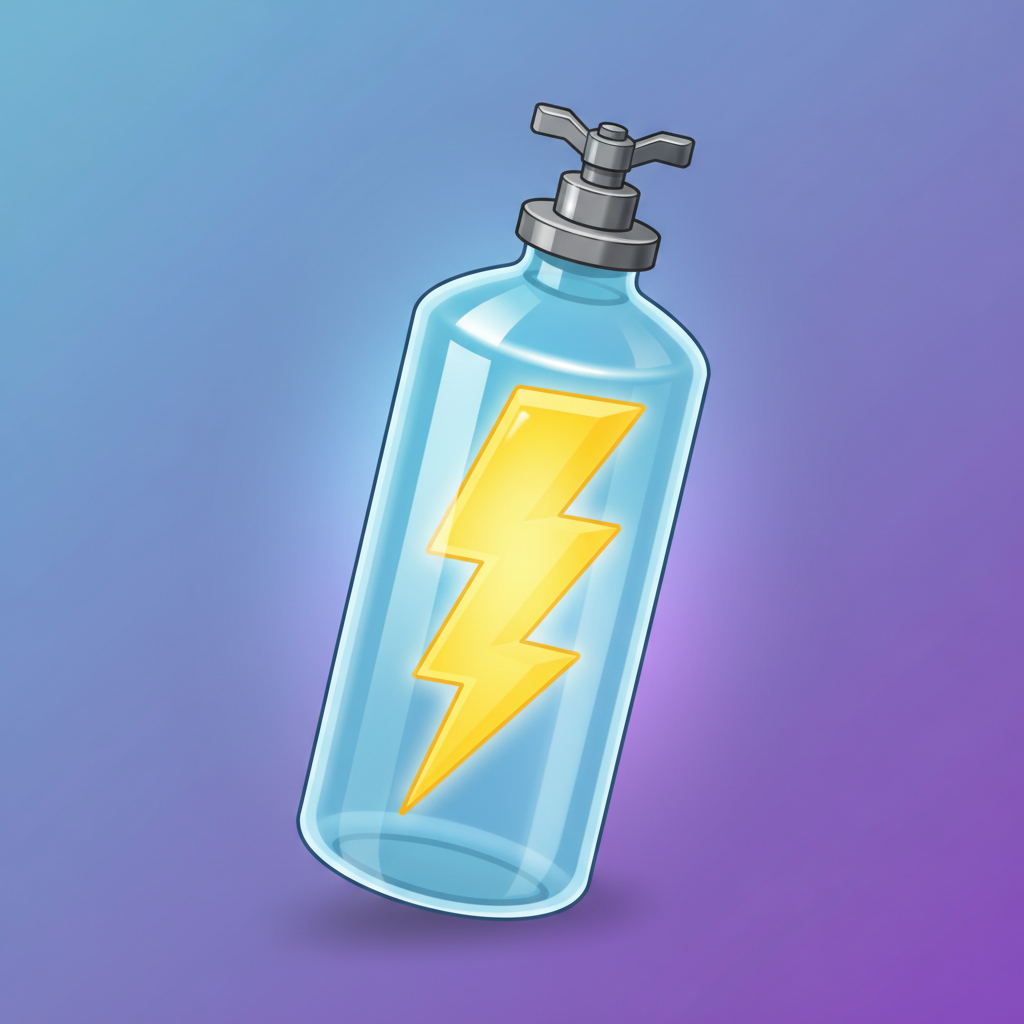
Nitro Canister booster - transparent blue cylinder with yellow lightning bolt

Nitro Canister

Vertical transparent light blue cylinder, like a glass bottle. Inside is a bright vivid yellow lightning bolt filling nearly the full height. Grey metallic valve at the top. When activated, your plane makes a direct bound forward, ignoring all rockets in its path.

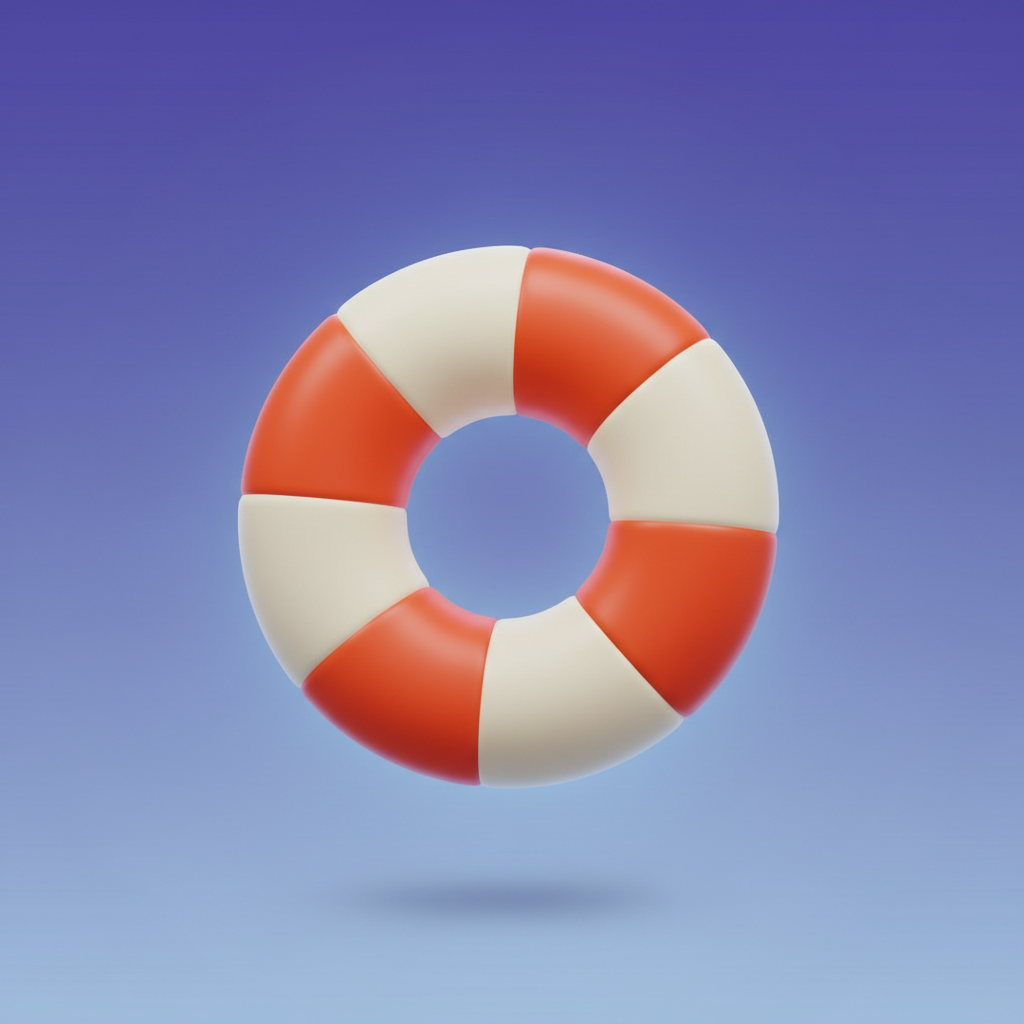
Lifebuoy booster - ring shape with alternating white and red-orange segments

Lifebuoy

Classic ring or doughnut shape with four alternating segments: two creamy white, two bright red-orange (like a life vest). Has a hole in the middle. Gives you a second life – if your plane touches the water, this saves you from crashing.

Safe Landing Bonus

This is the game's main bonus feature. You can purchase it before any round begins.

Safe Landing Bonus - red biplane with pontoons attached under wings

Activation:

A "Buy Safe Landing" popup appears showing the red biplane with water skis (pontoons) attached under the wings. You select your bet amount and pay the activation cost – typically 100.00 FUN for a 2.00 FUN base bet (the cost scales with your bet).

What It Does:

Once active, your plane gains visible red pontoons under the lower wing. If the plane would normally crash into the water, it instead lands safely on the surface, allowing you to collect your winnings. The status bar shows "BONUS ACTIVE" in white text on a bright magenta-pink background.

RTP Impact:

Not specified in the documentation.

There's no free spins mode, no scatter symbols, and no traditional bonus rounds. The Safe Landing feature is purely crash protection – it converts a losing round into a winning one by letting you land on water.

Win Condition
Land safely on the island (or water if bonus is active) and your accumulated multiplier applies to your bet. Fall in the water without the bonus active and you lose the stake.
Multiplier Range
Starts at x1.0 every round. Maximum observed in documentation is x45.0, though the ceiling isn't explicitly stated.

Arcade Crash Game

+ Pros Cons
  • Four flight speeds → tailor pace to your reflexes and risk tolerance
  • Active boosters (Nitro, Lifebuoy, Magnet, Laser) → tactical pickups add variety beyond multiplier chasing
  • Customisable spin button (size, position, opacity) → mobile-friendly and accessibility-focused design
  • Bonus buy available without restriction → UK regs allow Safe Landing purchase (unlike Germany's blanket ban)
  • 97% RTP with clear display → strong return rate meets UK transparency requirements
  • Autoplay stop conditions (balance thresholds, win limits) → responsible gambling controls built into interface
  • Skill-dependent outcomes → timing and control matter, not pure slot luck
  • Requires constant attention → can't passively autoplay like traditional slots
  • Safe Landing costs 50x stake → £100 insurance on a £2 bet for crash protection
  • Rockets halve multiplier instantly → one collision can wreck a promising run
  • Crash into water loses everything → no consolation prizes or partial wins

Apps & Platforms

HTML5 HTML5
Desktop Desktop
Mobile Mobile
Tablet Tablet

AviaMasters 2 runs on HTML5 technology, which means the game launches directly in your web browser without any downloads or installations required. The slot works on desktop computers, laptops, tablets, and mobile phones—simply open it in your browser and the interface automatically adapts to your screen size.

Whether you're on Windows, Mac, Android, or iOS, you access the game the same way: through your standard browser (Chrome, Safari, Firefox, Edge, etc.). There are no standalone apps from BGaming for this title, and no separate mobile or desktop clients to download.